Features — how every part of CampEngage actually works

Camp Basics

These features are for the stuff every guest asks about within five minutes of arriving: the Wi-Fi, check-in times, what's actually here.

Camp Rules

1 of 1

Camp Basics

Camp Information

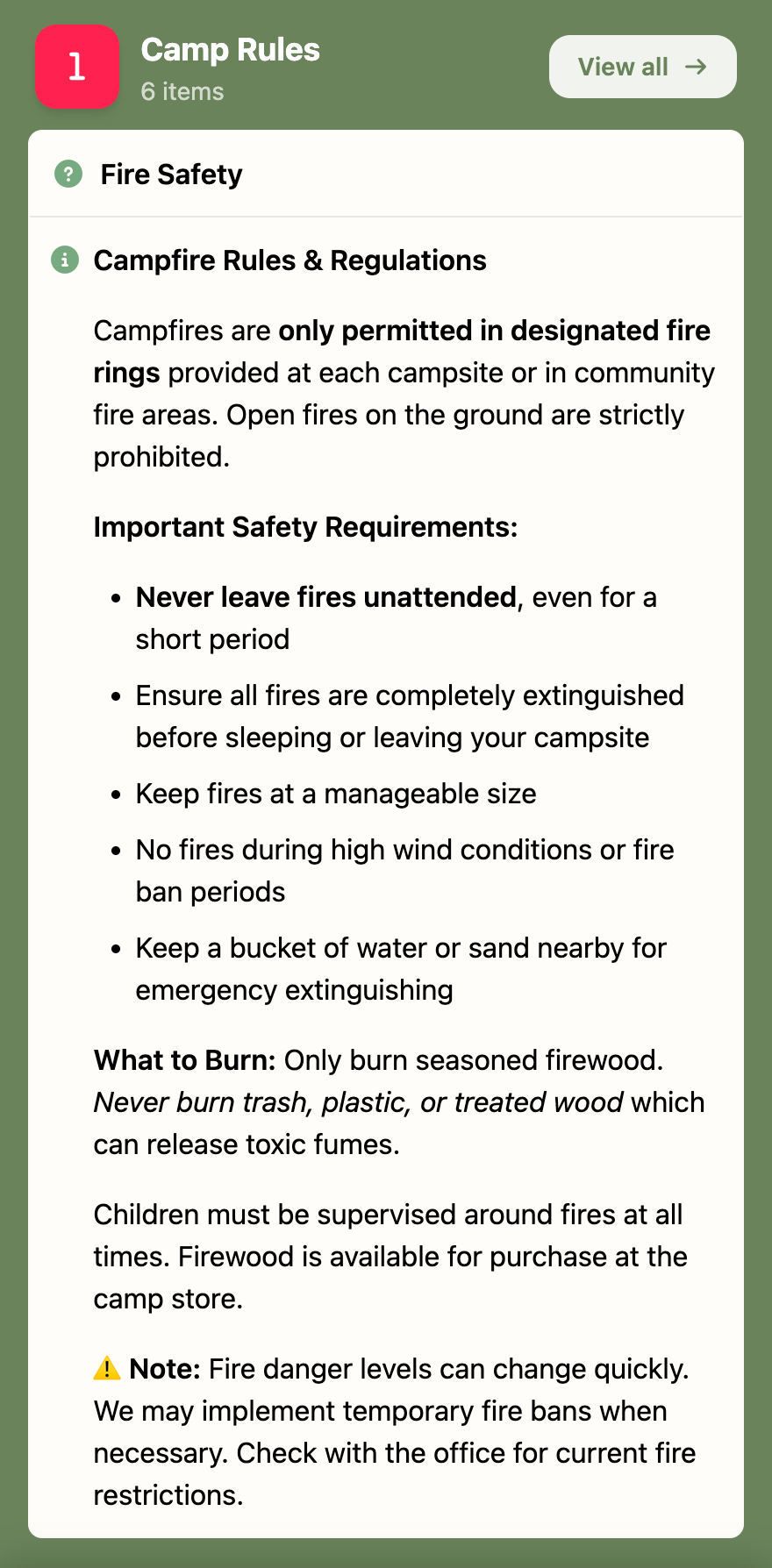
Staff enter the Wi-Fi network name and password, check-in and check-out windows, recycling and bin days, and any house rules once, in the admin panel. Guests see it all as a single reference page in the app. Change a bin day and every guest's copy updates immediately: no reprinting laminated cards, no correcting a sign in reception.

Wi-Fi, check-in times and recycling days in one place
Updates the moment staff change something
No laminated cards or handwritten signs to keep current
Camp Basics

Amenities

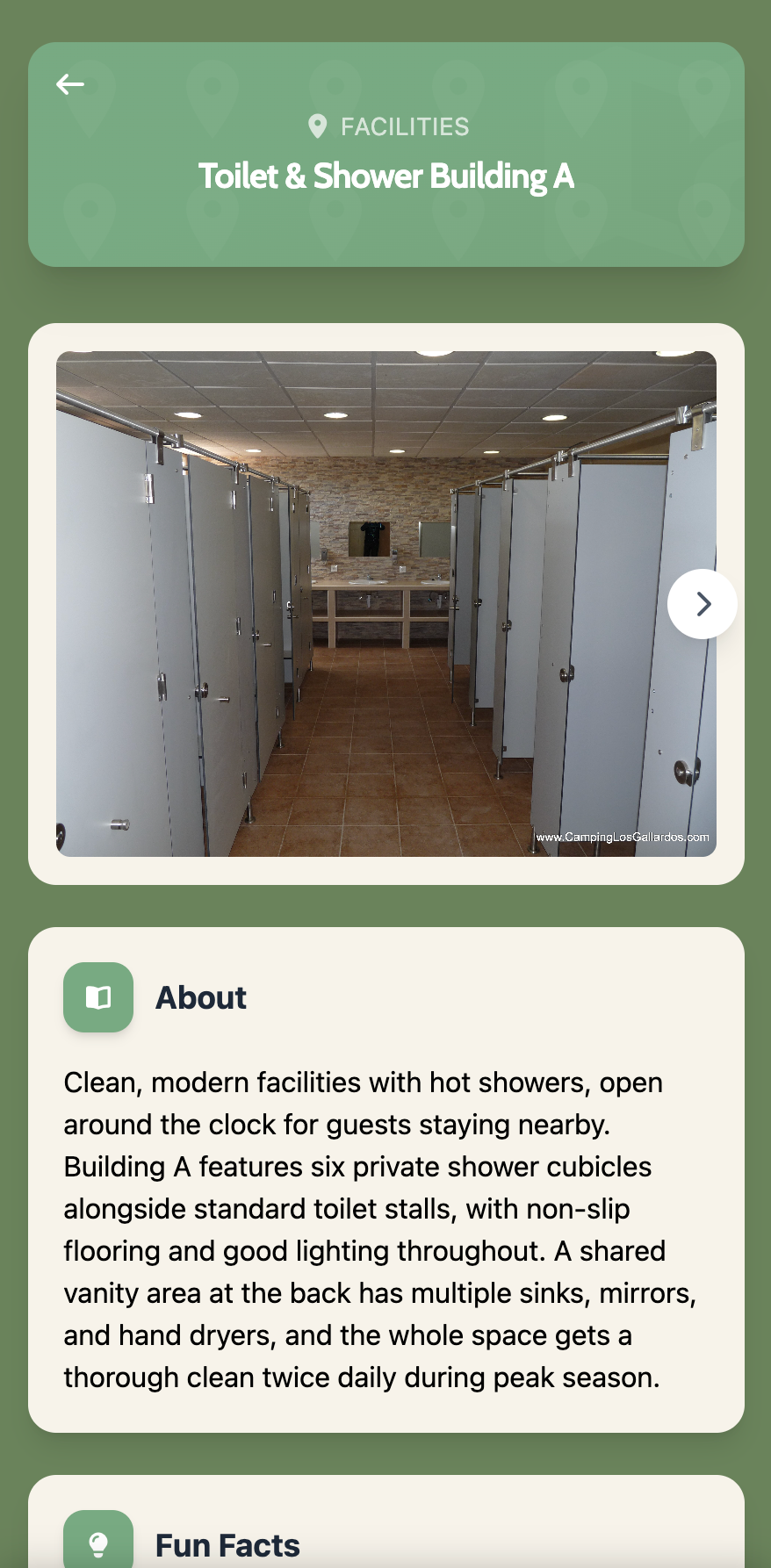
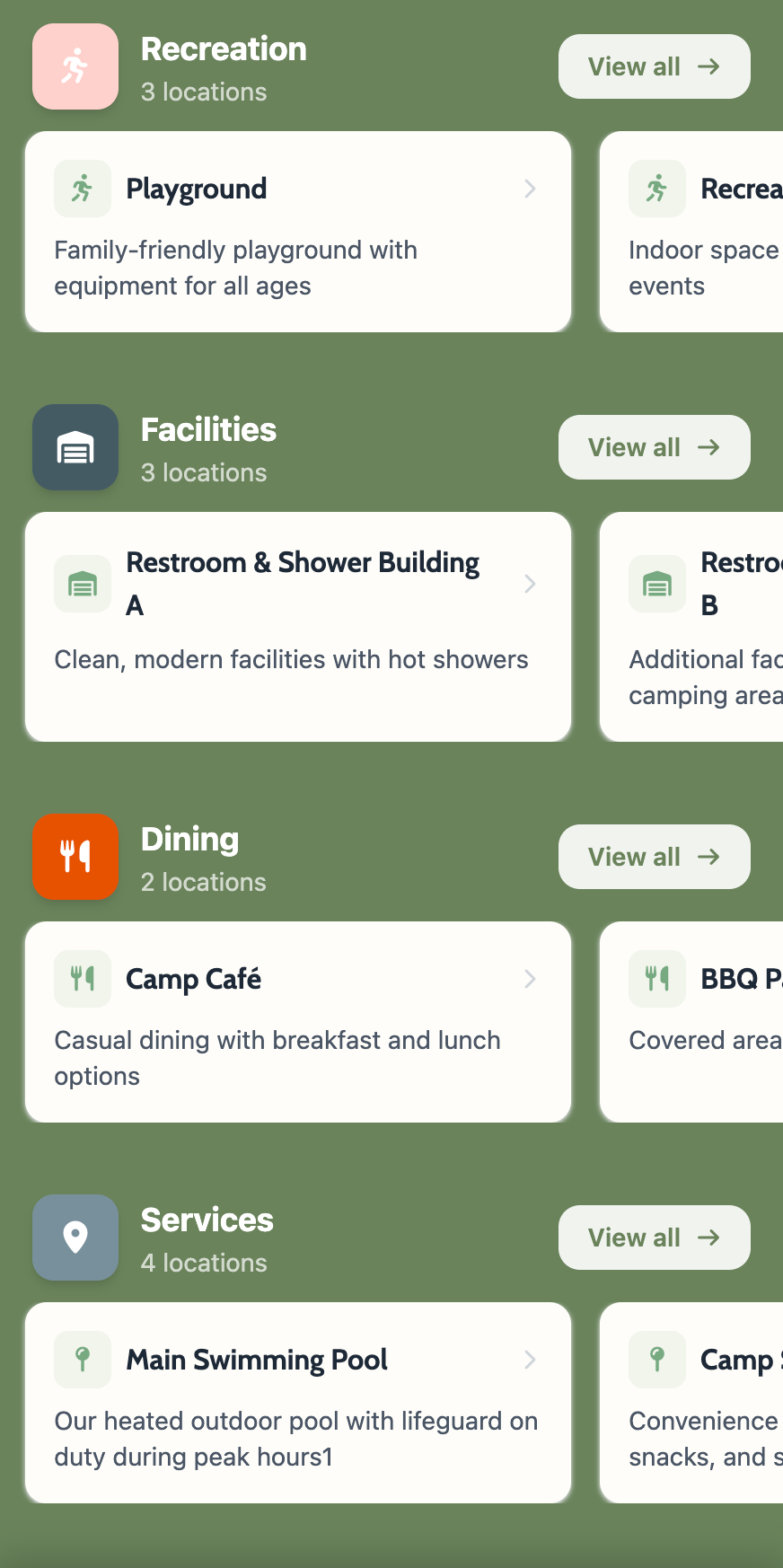
Staff list every facility on site, showers, laundry, the shop, play areas, with opening hours and a short description. Guests browse it as a straightforward list instead of working it out from a paper map or trial and error. Accessibility notes travel with each entry, so a guest with specific needs knows before they arrive at the door, not after.

Every facility listed with opening hours
Accessibility notes included on each entry

Facility list

1 of 2

Team list

1 of 1

Camp Basics

Team Member Directory

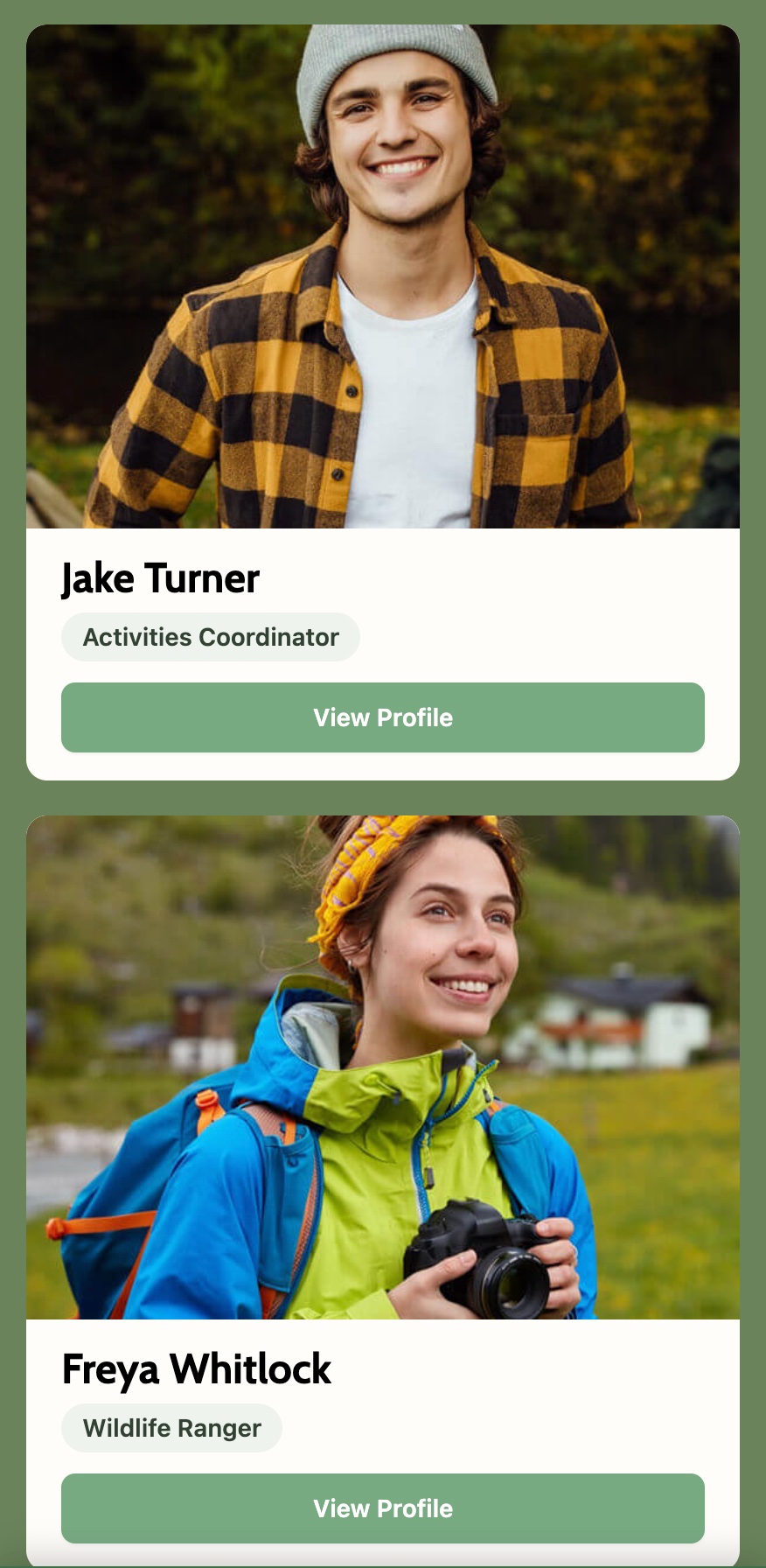
Staff add themselves with a name, role and a note on what they handle, maintenance, activities, bookings. Guests see exactly who to ask for what, instead of relying on whoever's at reception passing the question on, or guessing.

Each team member's role and what they handle
No more guessing who to ask at reception

On-Site Guide

These features are for guests finding their way around a site they've never seen before, and knowing what's going on while they're there.

On-Site Guide

Camp Map

Staff plot pitches, facilities and points of interest onto a map once, when setting up. Guests get an interactive map they can pan and zoom on their own phone, with their own pitch marked. Guests stop asking "how do I find my way back to my tent" ten times a day.

Pan and zoom on their own phone
Guest's own pitch marked automatically
Every facility plotted, not just the main paths

Interactive map

1 of 3

Locations list

1 of 2

On-Site Guide

Locations

Each mapped location can carry its own opening hours and accessibility notes, separate from the general amenities list. Add a new location, or change a facility's hours, and it updates on the map and in search straight away, no redrawing or reprinting anything.

Opening hours per location, not just per site
Accessibility notes travel with each entry

On-Site Guide

Live Notices

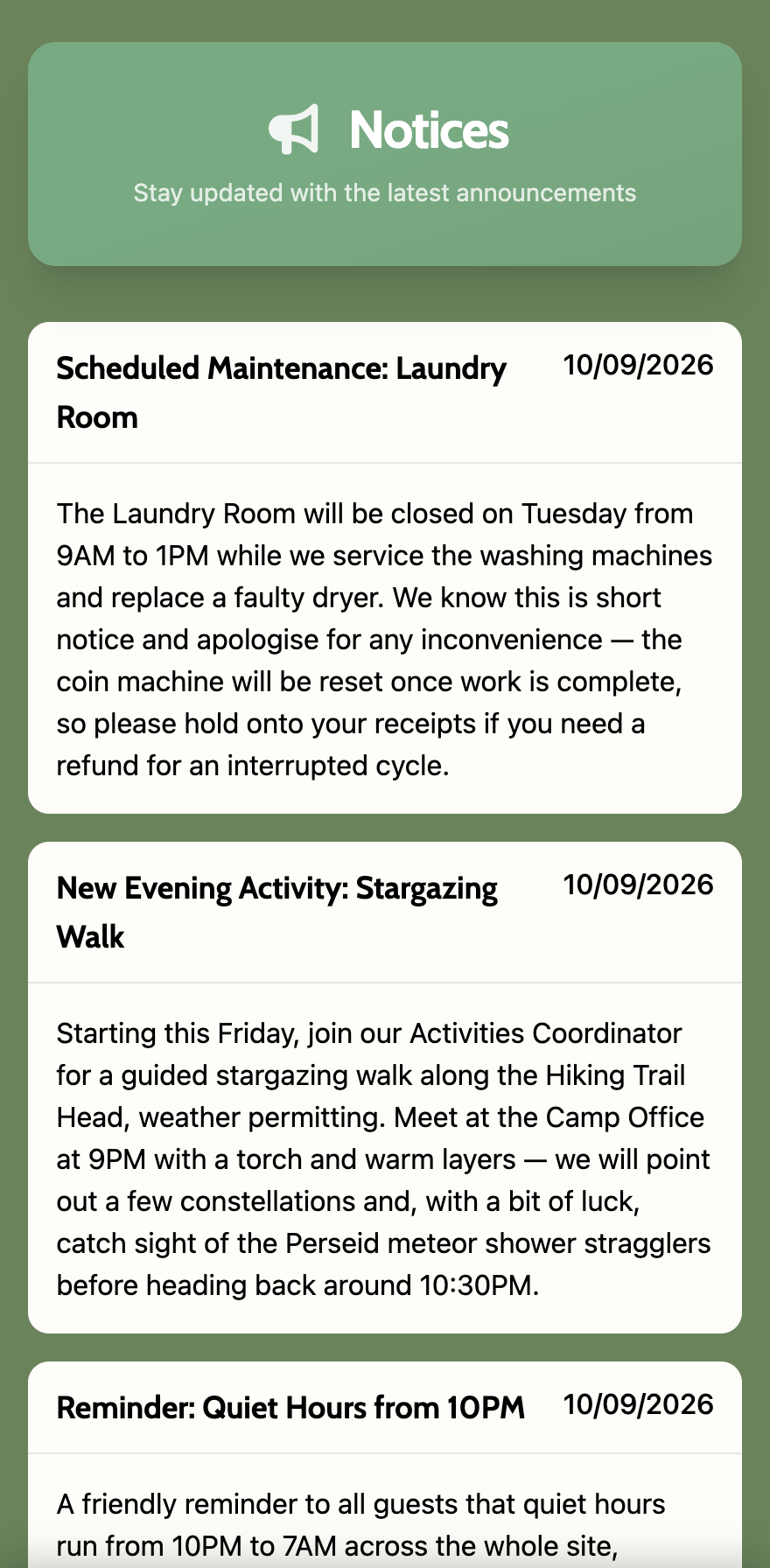
Staff write a notice in the admin panel, a delayed activity, a fire pit time change, a lost dog, and it reaches every guest's phone the moment it's posted. No walking the site pinning up paper, and no phone number or app download needed on the guest's end for it to land.

Reaches every guest's phone the moment it's posted
No paper notices pinned around the site
No phone number or app download required

Notice feed

1 of 1

Animal grid

1 of 3

On-Site Guide

Animal Profiles

For camps with resident animals, staff add a profile per animal: a photo, its temperament, a few facts worth knowing. Guests browse them like a small guidebook, which gives them a reason to go and find the animal they just read about, rather than walking past it without a second look.

A photo and temperament for every animal
Gives guests a reason to go find them

Things To Do

These features are for booking activities, checking what's on, and collecting badges, all from a phone.

Things To Do

On-site Activities

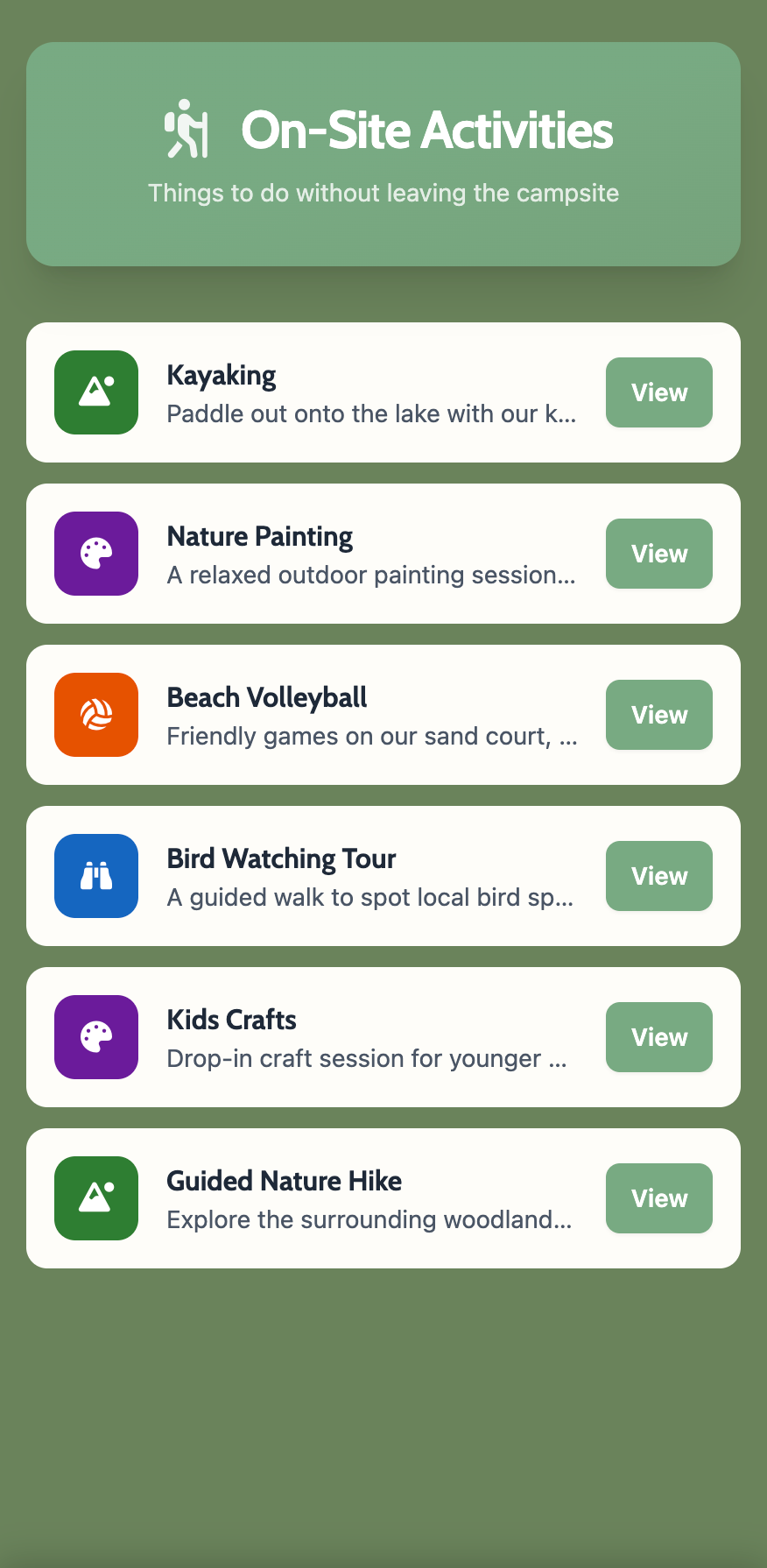
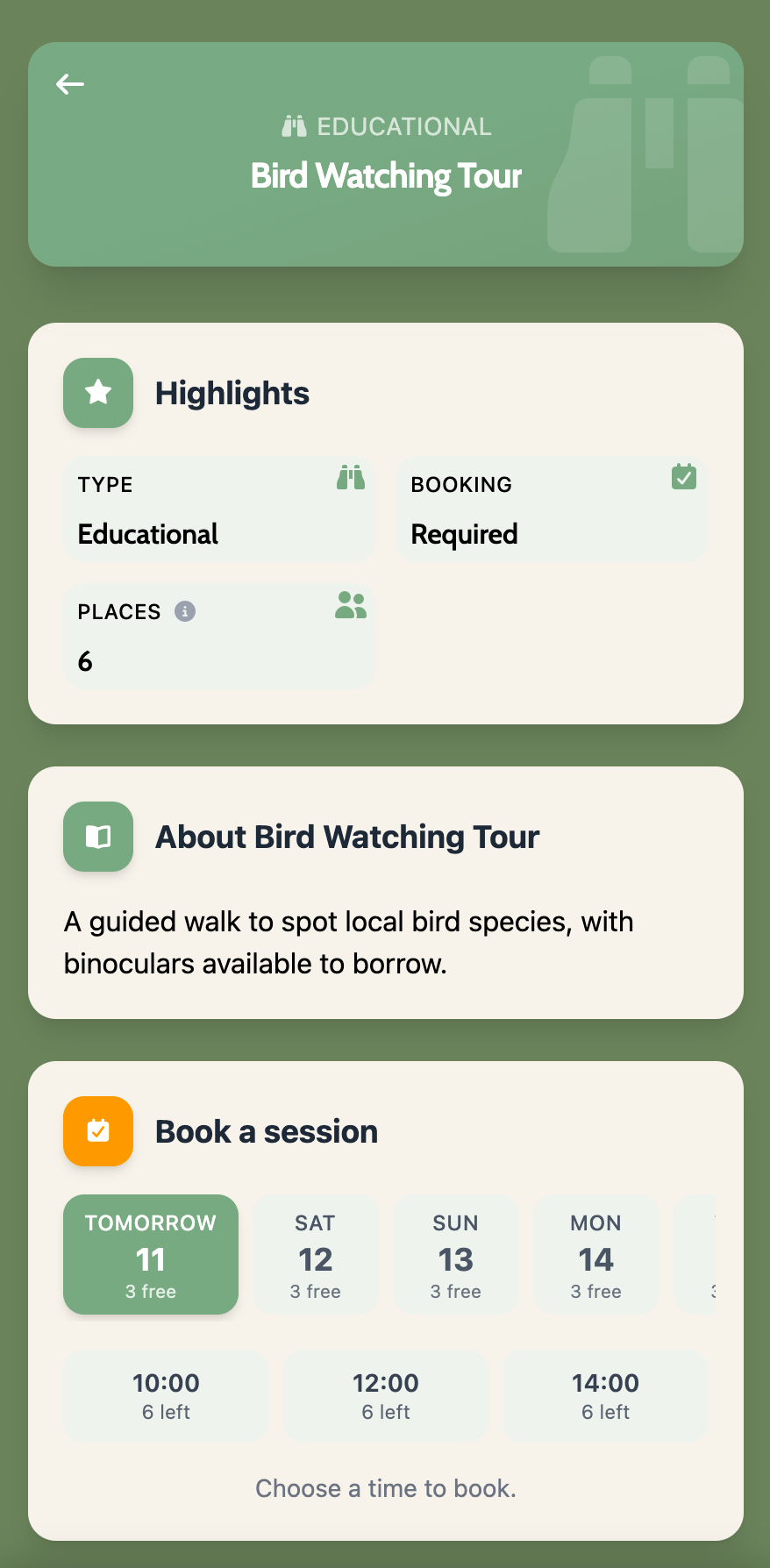
Staff list bookable activities with a description, time slot and capacity. Guests book straight from their phone and get a confirmation, so your team isn't taking bookings over the desk phone or crossing names off a paper sign-up sheet.

Booking straight from a guest's phone
Capacity and time slots shown up front
No queuing at reception to check availability

Activities list

1 of 2

This week's events

1 of 1

Things To Do

Events Calendar

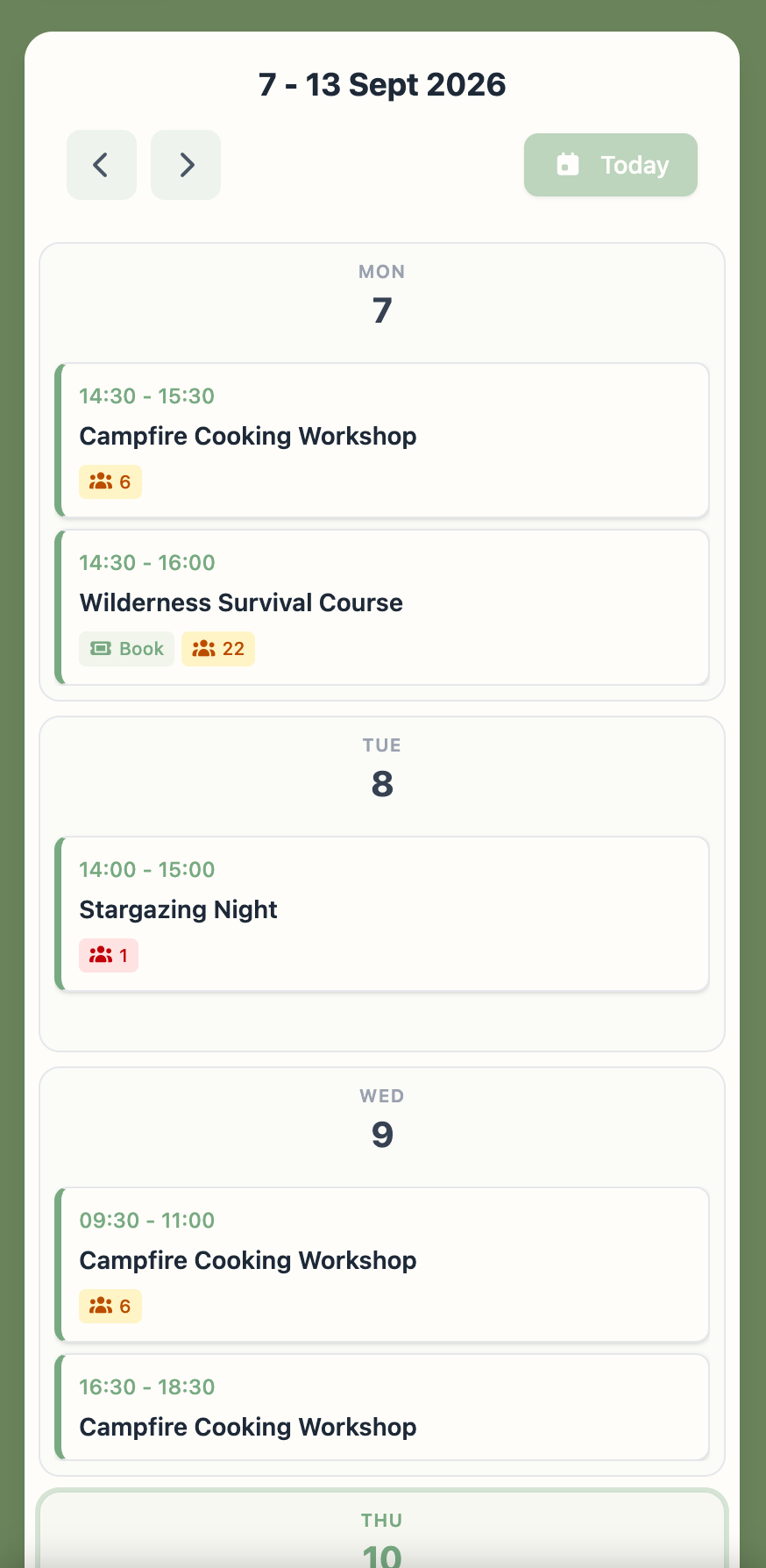
Staff add one-off and recurring events, quiz night, the campfire, kids' club, to a shared calendar. Guests see what's on today and this week at a glance, which is the single most common question reception fields all season.

Today's and this week's events at a glance
Answers the most common question at reception

Things To Do

Badges

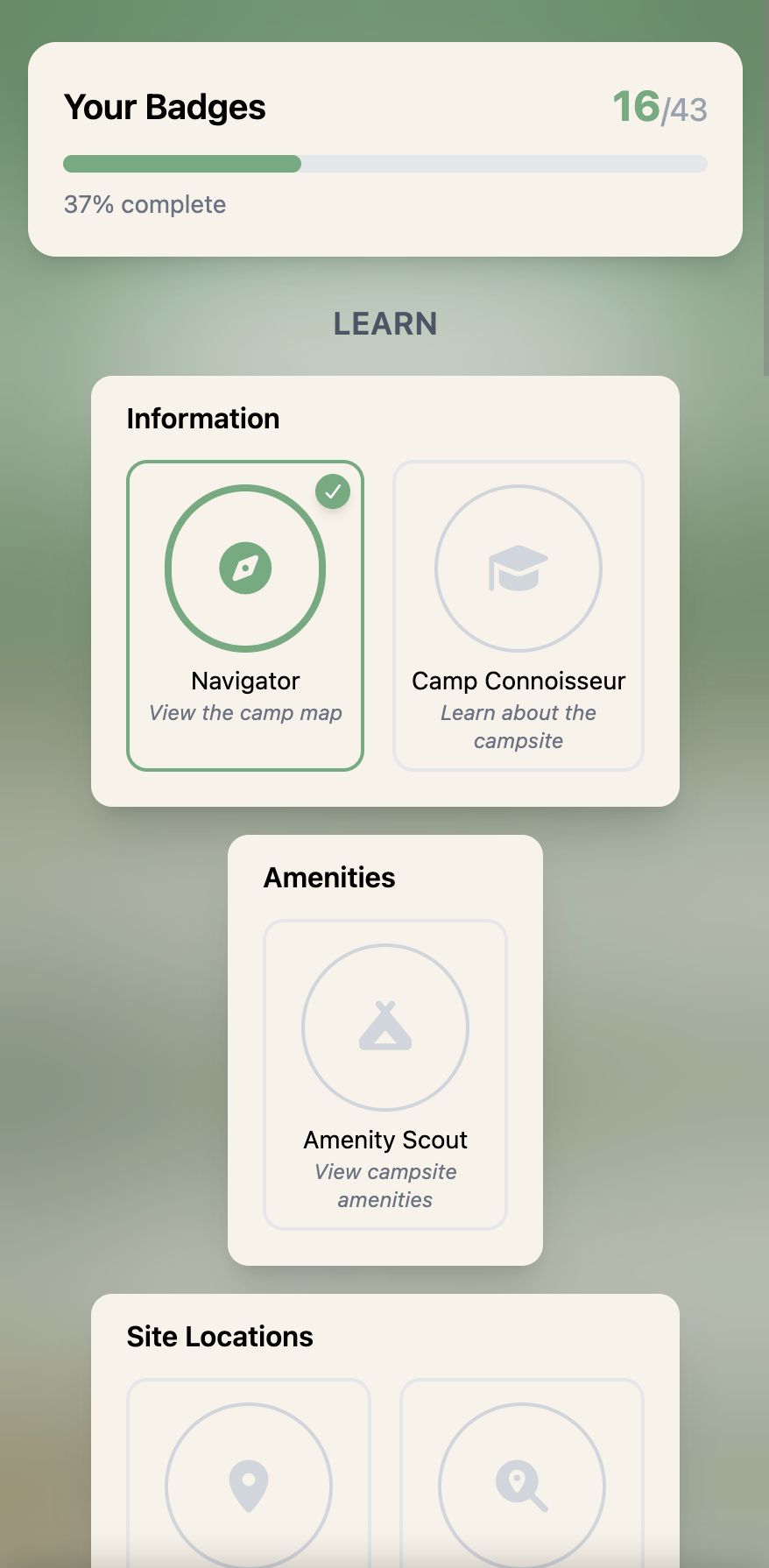
Certain guest actions, spotting a species, checking the night sky, finishing a walking route, unlock a badge automatically. No manual tracking by your team. Guests watch their own collection build over the stay, which nudges them to try things they might otherwise have skipped.

Earned for spotting wildlife, stargazing, finishing a walk and more
Unlocks show up in real time, on the spot
A light touch of gamification, not a whole game

Badge collection

1 of 1

Nature & Discovery

These features are for the wildlife, the walking routes, tonight's sky. The bit no other camp app does.

Wildlife list

1 of 4

Nature & Discovery

Wildlife Guide

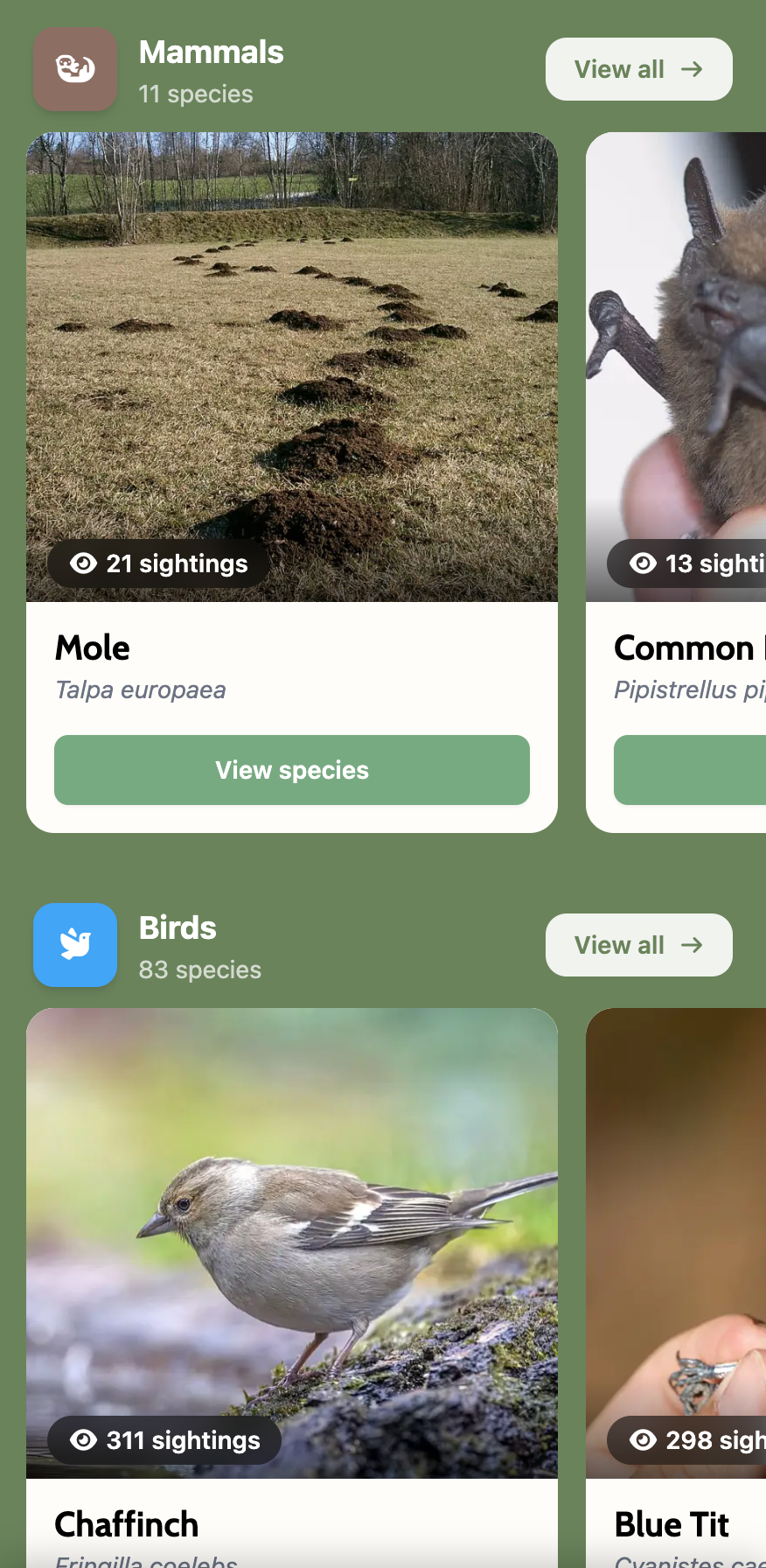
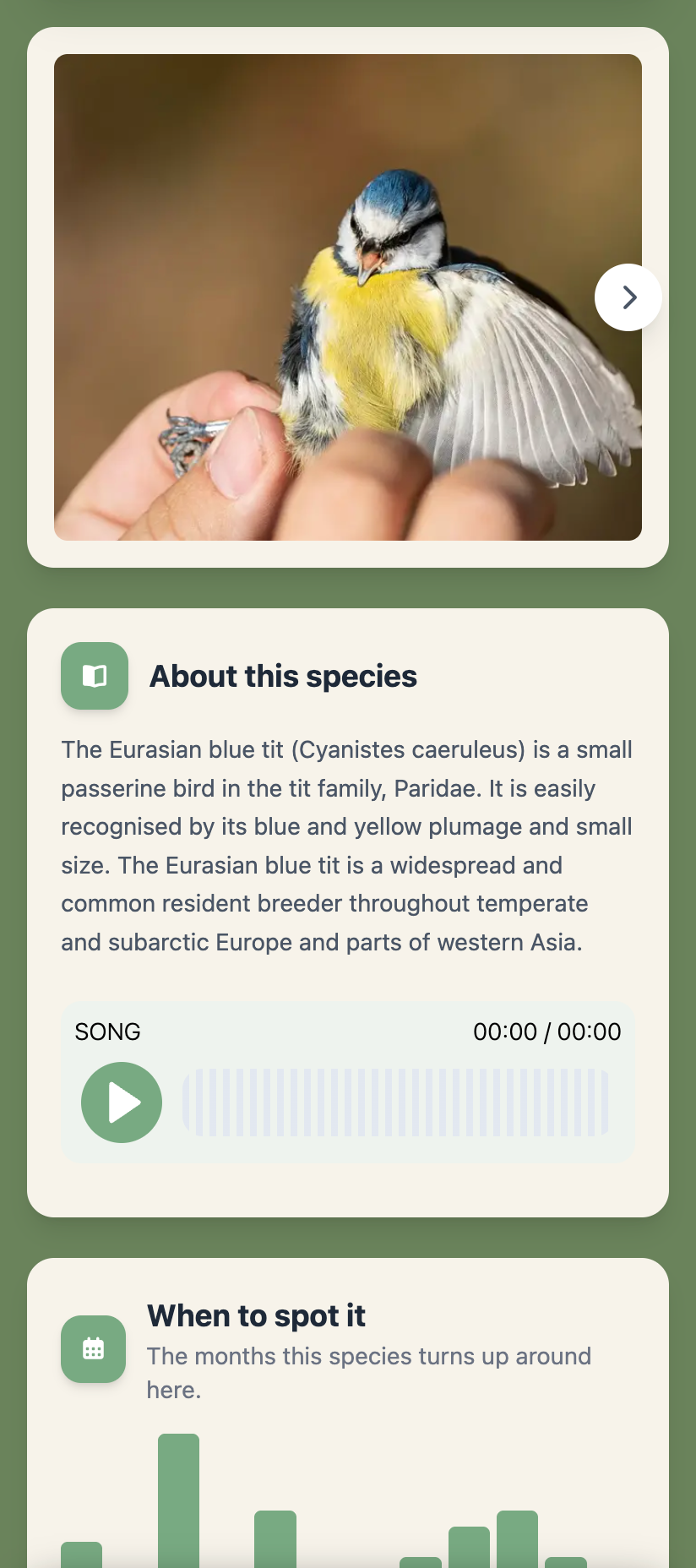
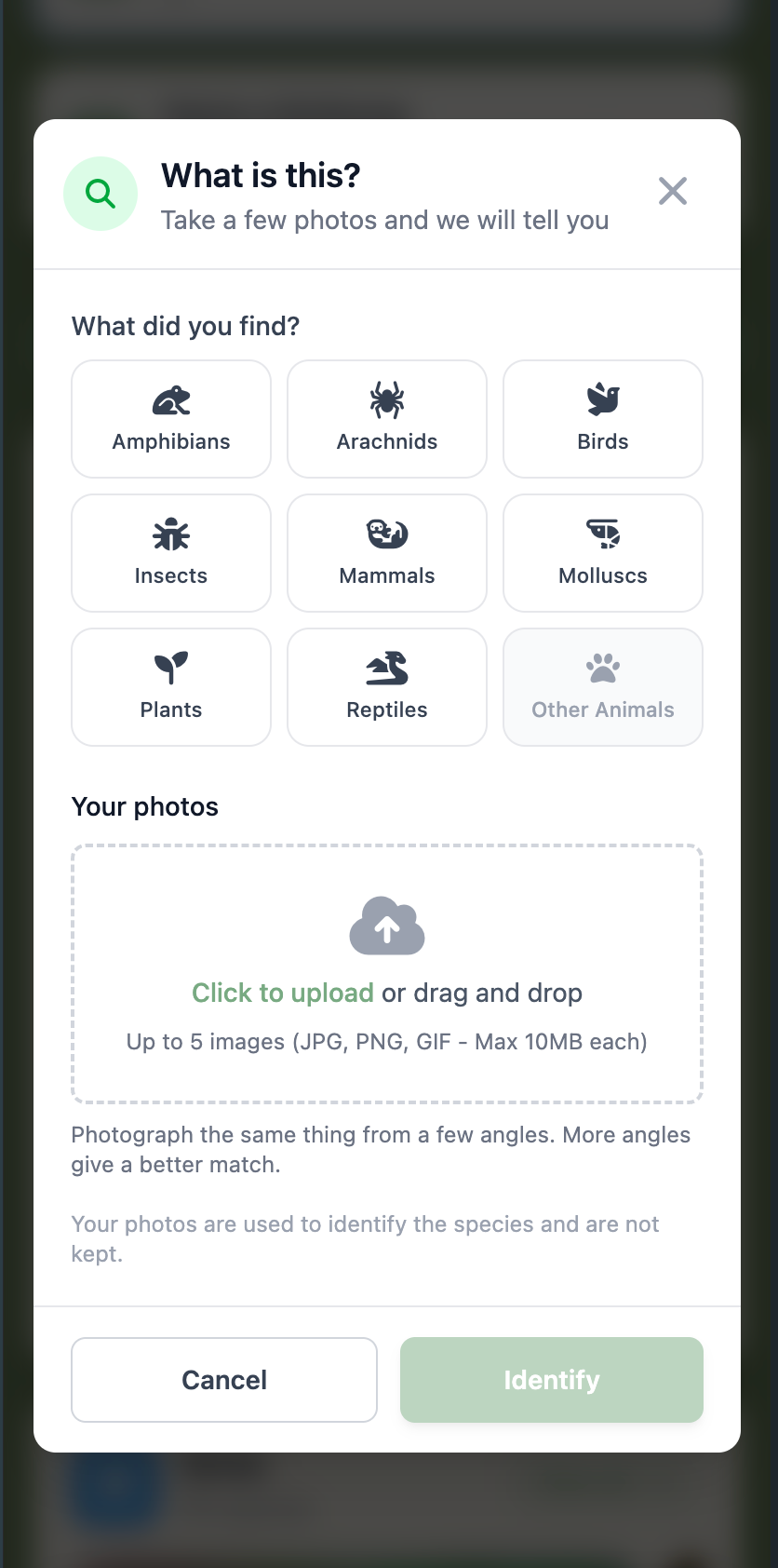
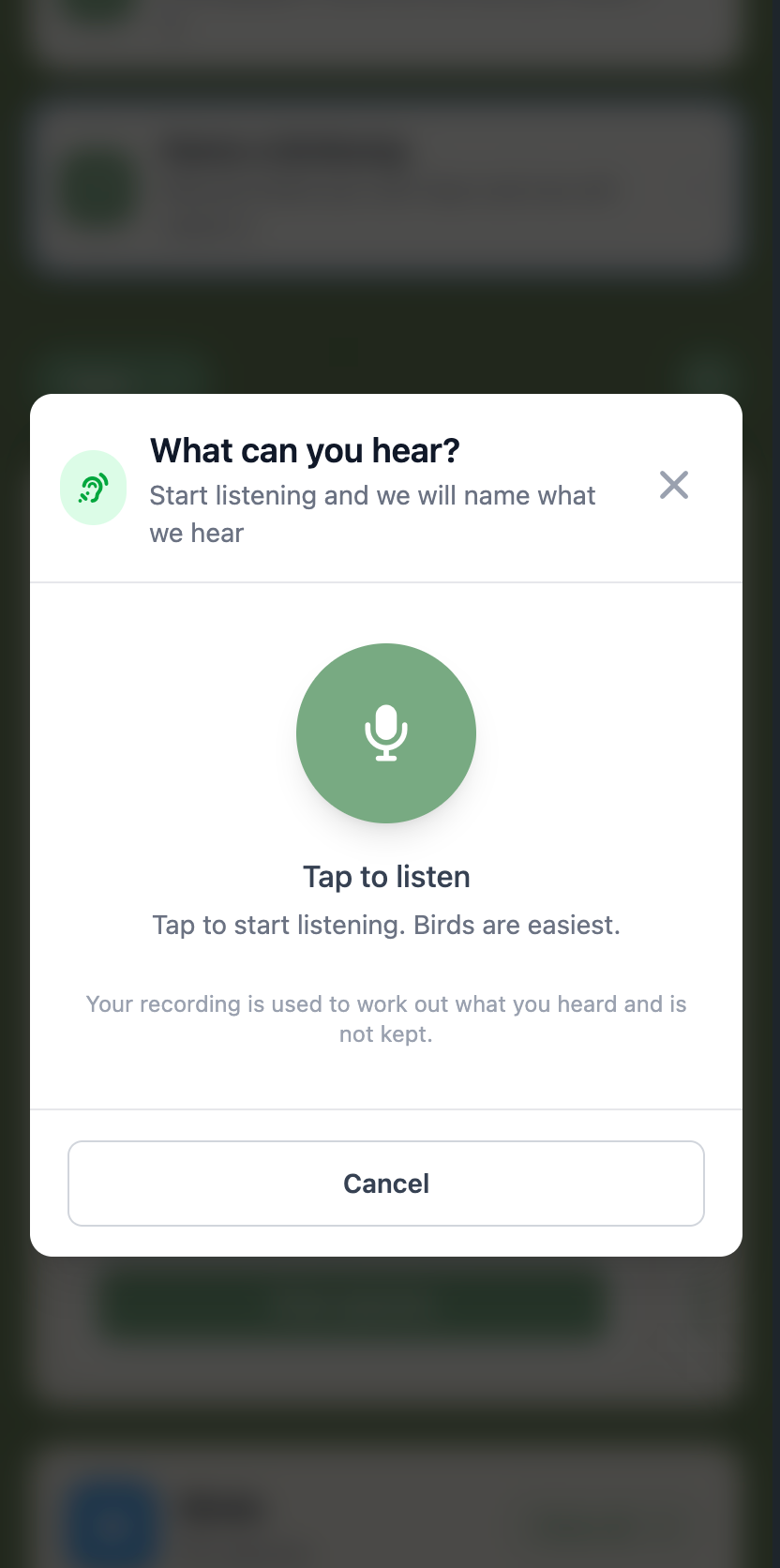
Guests point their camera at a plant, fungus, insect or bird, or record a birdsong, and get a ranked match. Results lean on what's actually been logged near your camp, not a generic species database, so guests see what's really around them. Staff review and curate the local species list from the admin panel; nothing needs a manual write-up.

Ranked by real local sighting data
Seasonality charts show what's around, and when
A birdsong library guests can actually play
Point a phone at it for an instant match

Nature & Discovery

Walking Routes

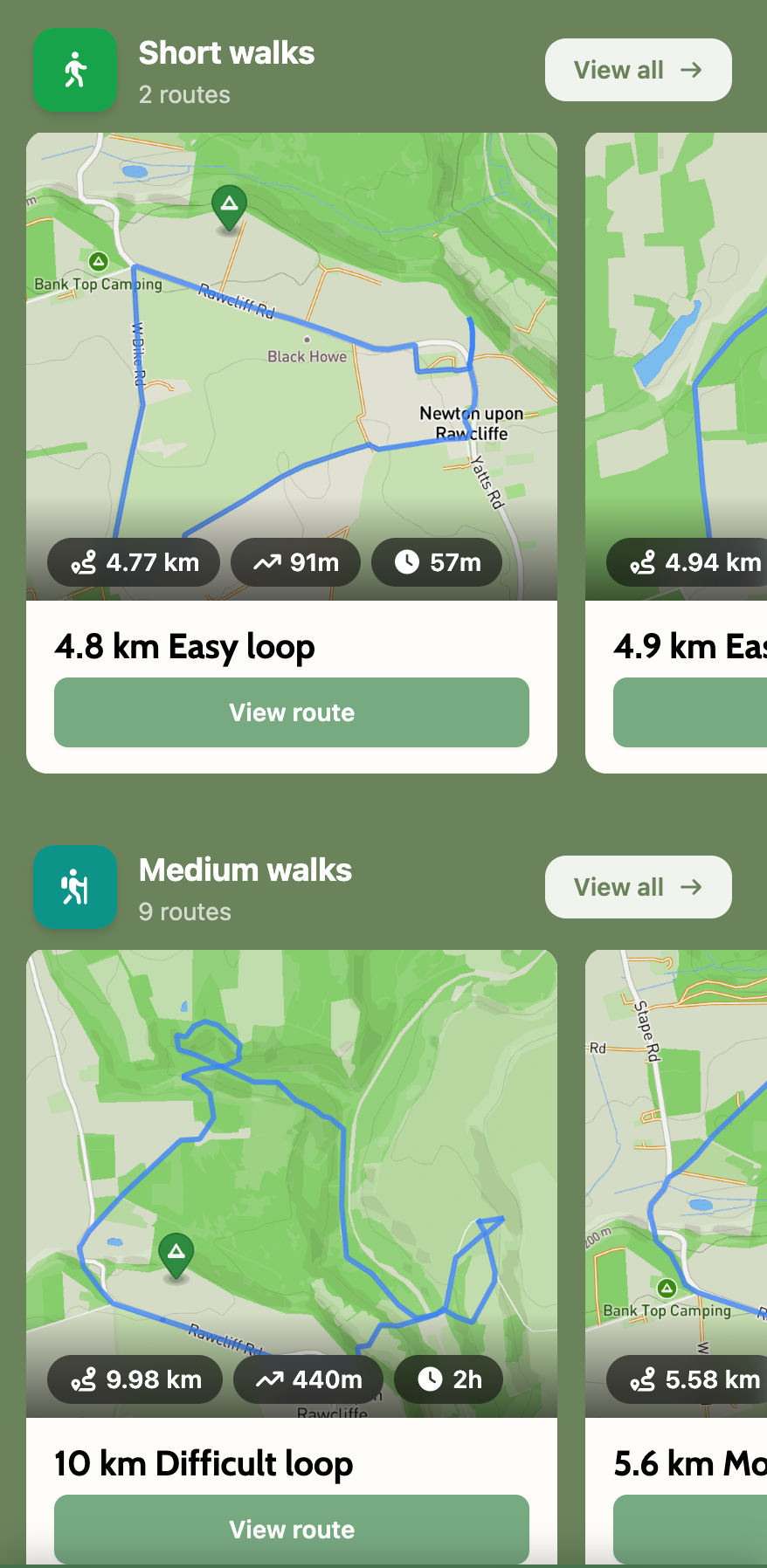
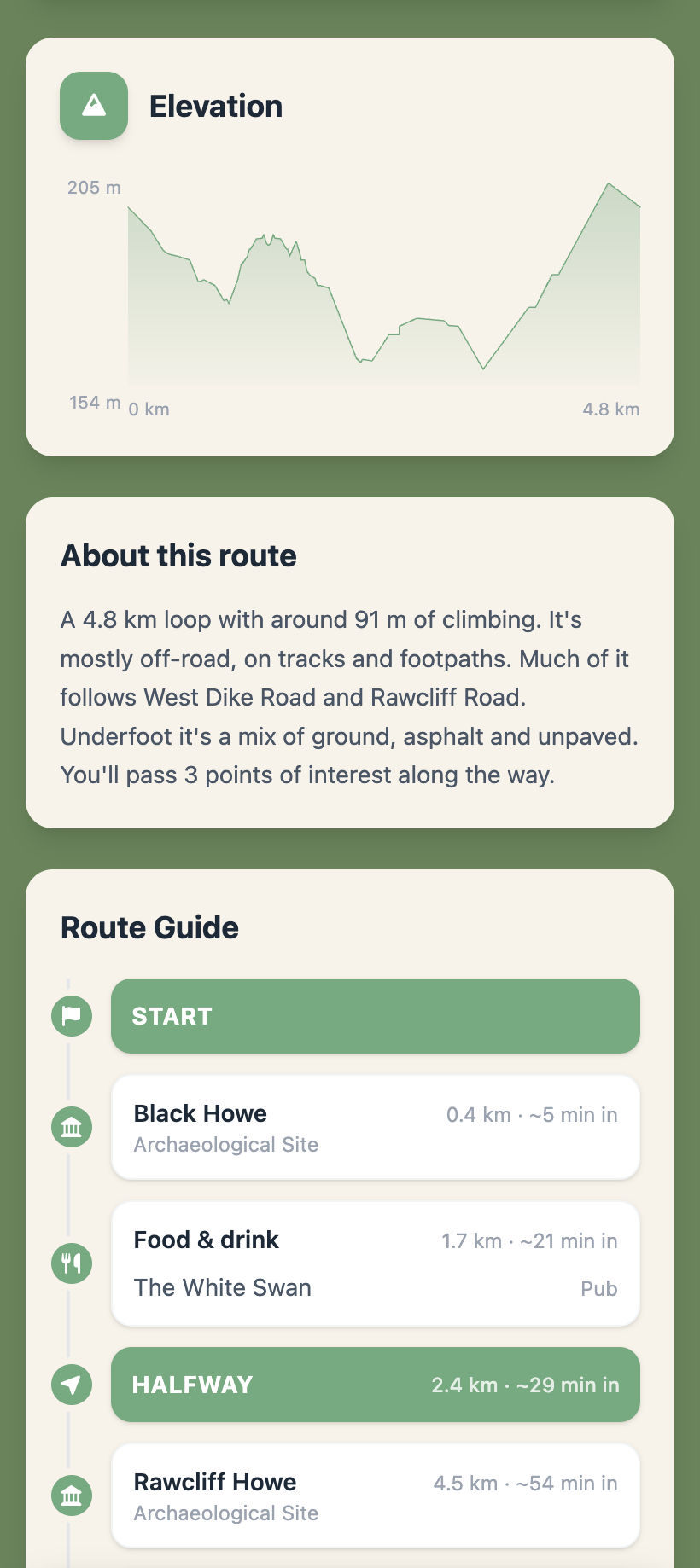
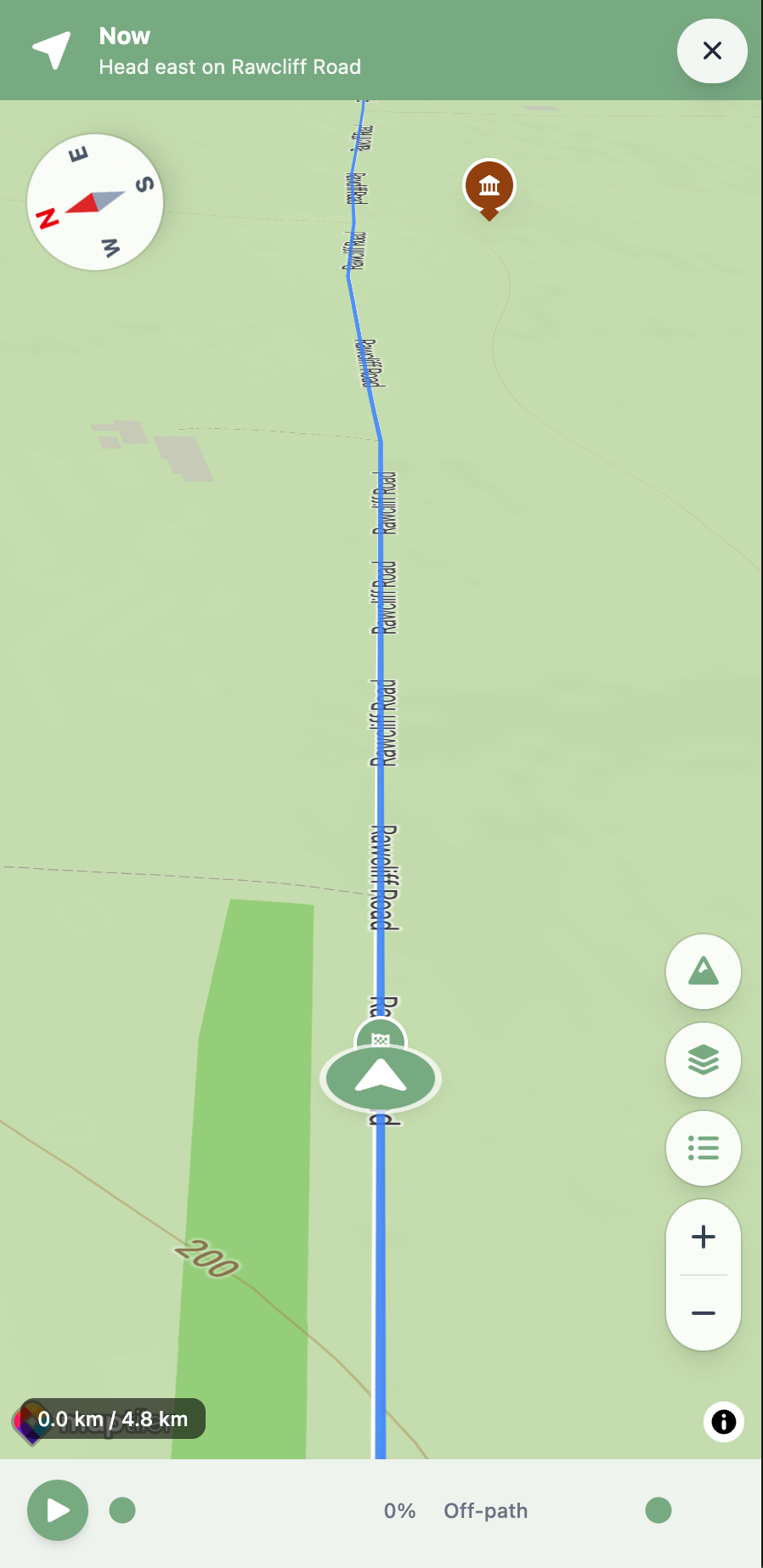
A guest sets how much time they've got, and gets a walking route generated from their actual pitch, factoring in difficulty, terrain and daylight remaining. Nothing is pre-mapped by staff: the route is built fresh for each guest, each time they ask, and every route respects local rights of way.

Built around difficulty, terrain and time available
Points of interest and elevation along the way
Every route respects rights of way

List of routes

1 of 3

Nearby list

1 of 2

Nature & Discovery

Nearby Places

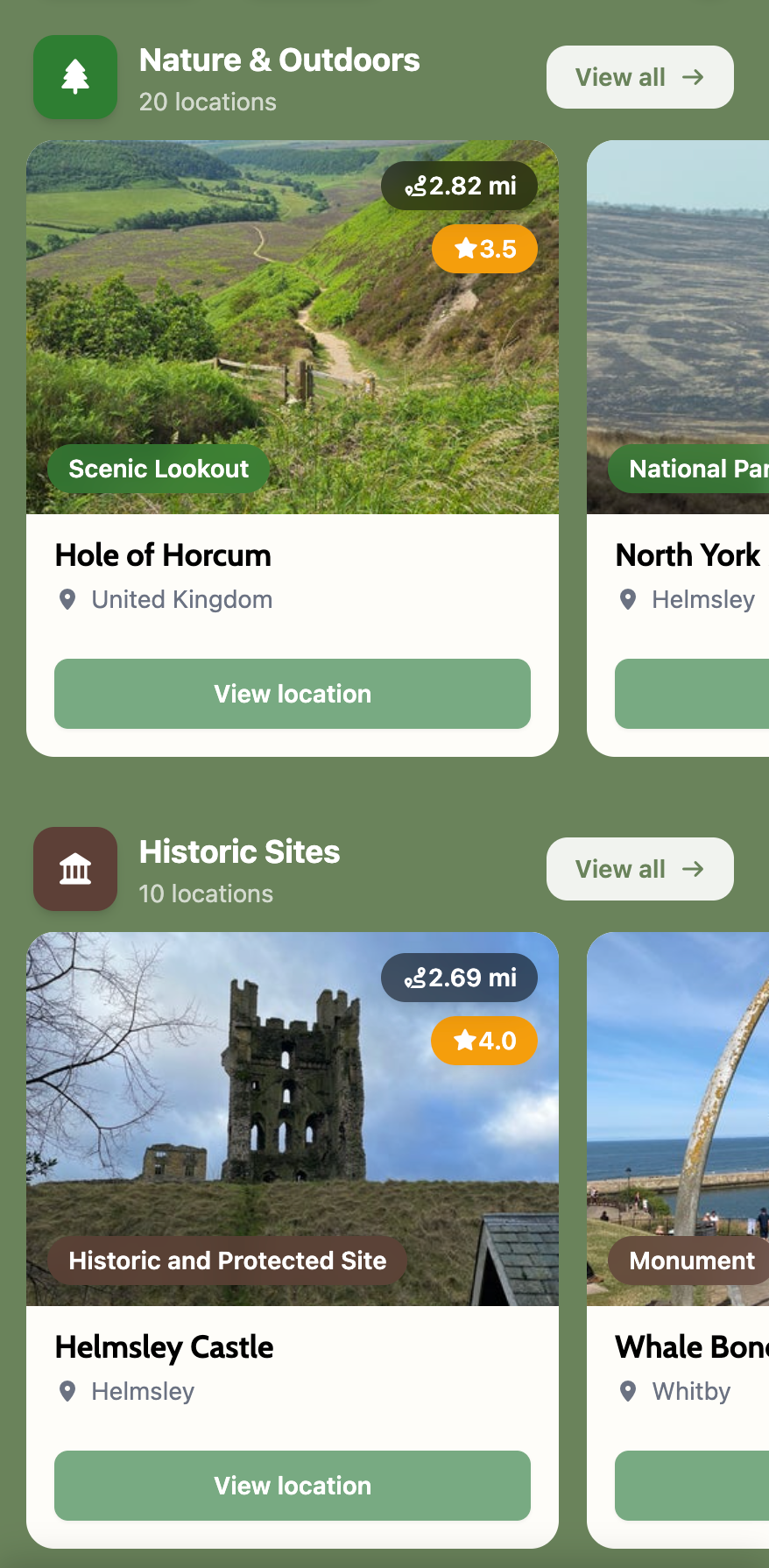
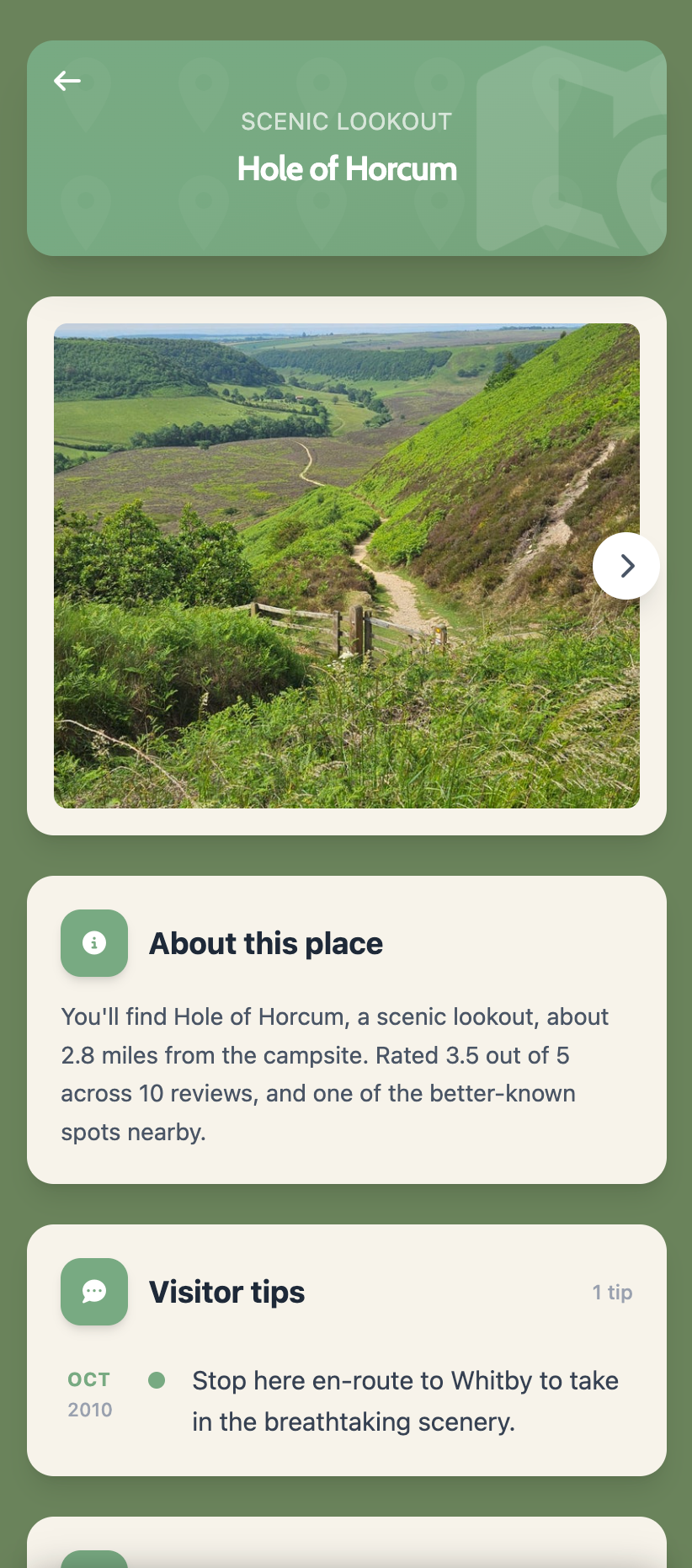
A list of nearby pubs, beaches, shops and attractions pulls in automatically and stays current without any manual entry from your team, unlike a printed local guide that's out of date within a season. It answers the question your team gets asked daily, without your team having to answer it.

Pubs, beaches, shops and attractions nearby
Kept up to date automatically, no manual upkeep

Nature & Discovery

Stargazing Toolkit

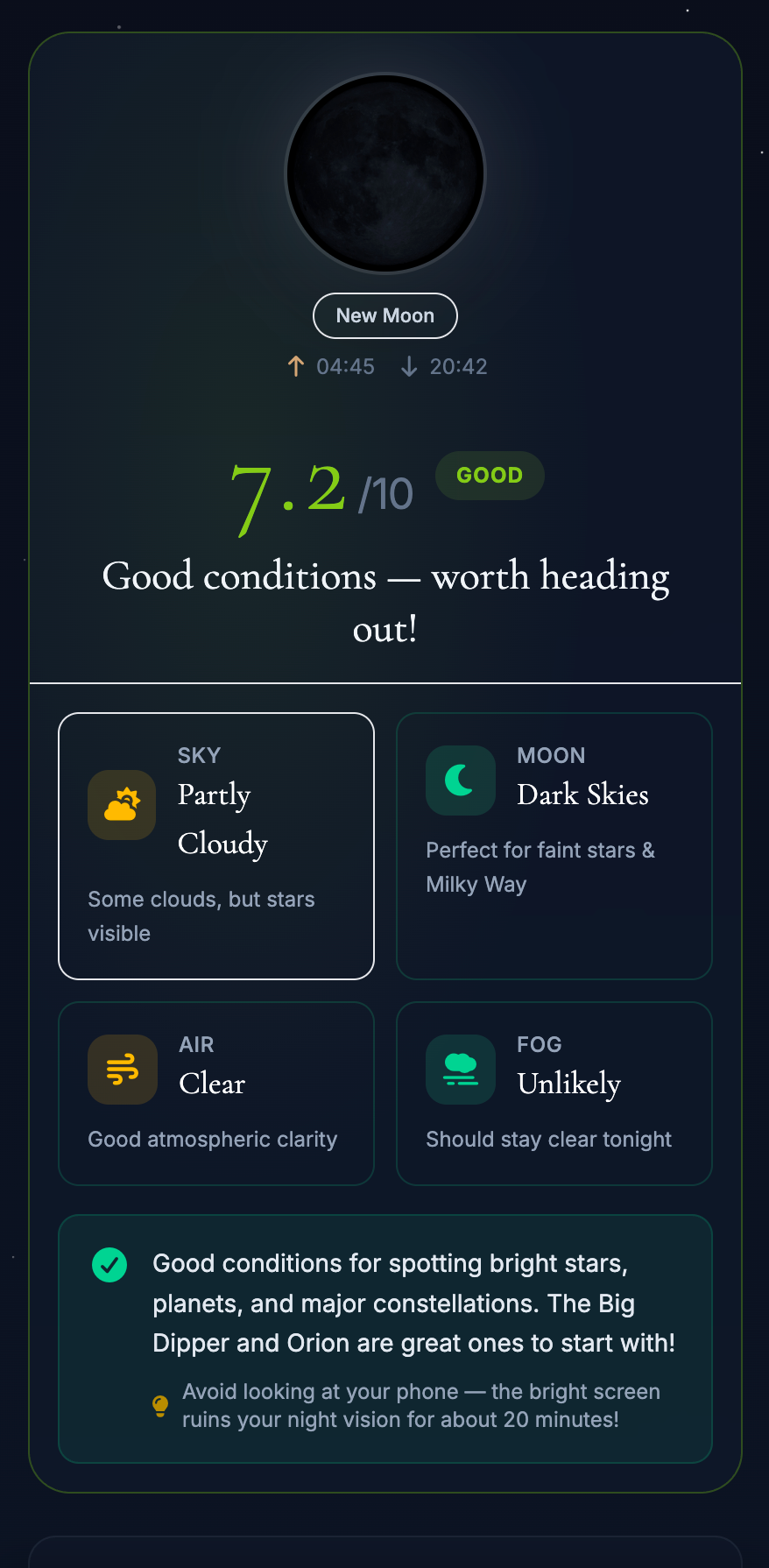
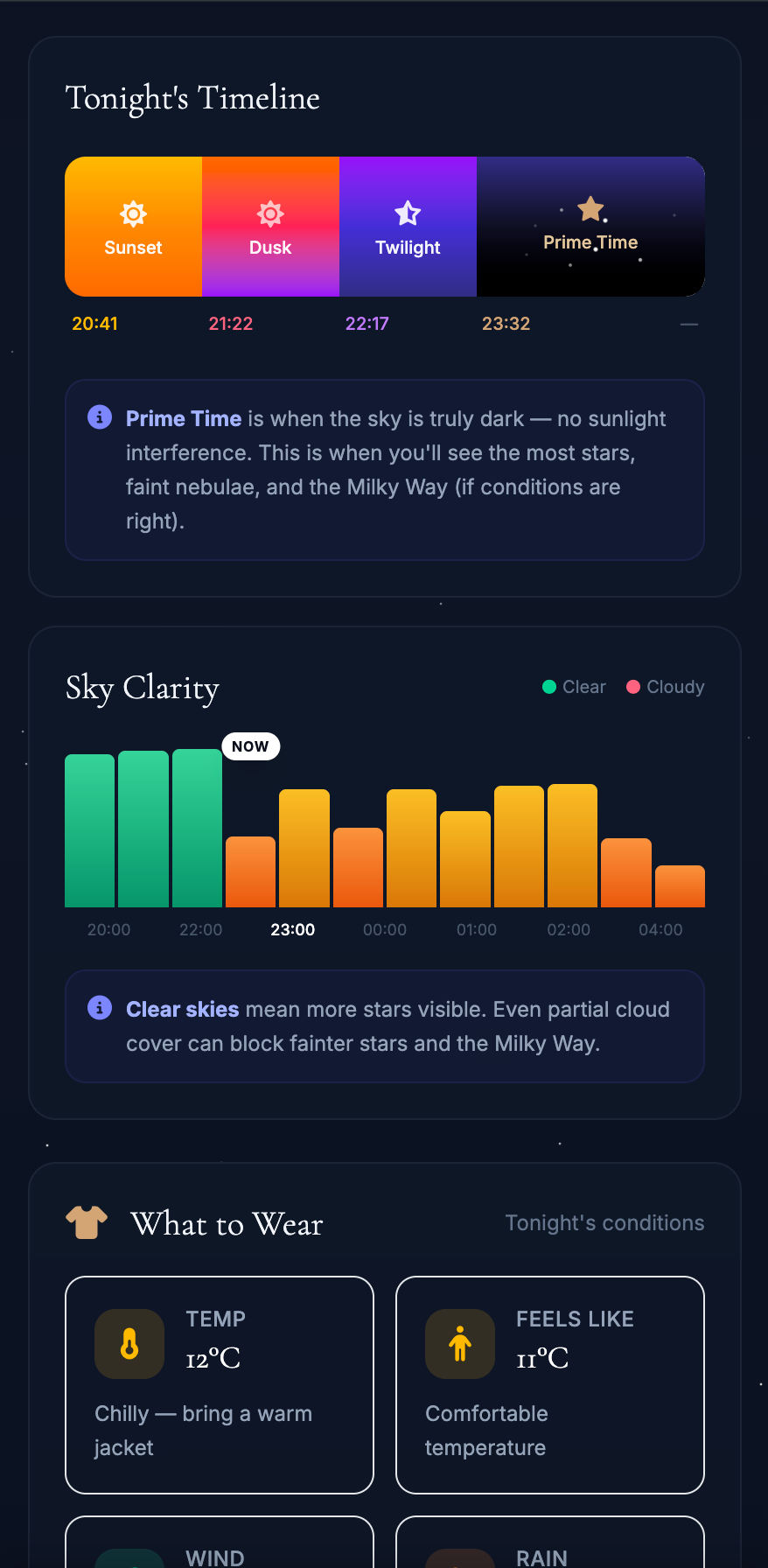
Live weather and astronomical data combine into a single score out of 10 for tonight's conditions, alongside moon phase and an interactive star map. Guests check it before bothering to step outside, instead of guessing whether it's worth the walk to a dark spot. No telescope required.

A score out of 10, updated for tonight's conditions
Moon phase and cloud cover at a glance
No telescope required

Tonight's score

1 of 2

Feedback & Support

These features are for catching a small problem early, while your team can still do something about it.

Quick prompt

1 of 2

Feedback & Support

Guest Feedback

A quick thumbs up or down prompt appears at points during the stay. Responses land in a dashboard your team can check, so a small problem gets caught and fixed while the guest is still on site, not discovered in a public review after they've already left.

A simple thumbs up or down, nothing to fill in
Catches problems while there's time to fix them

Feedback & Support

Guest Polls

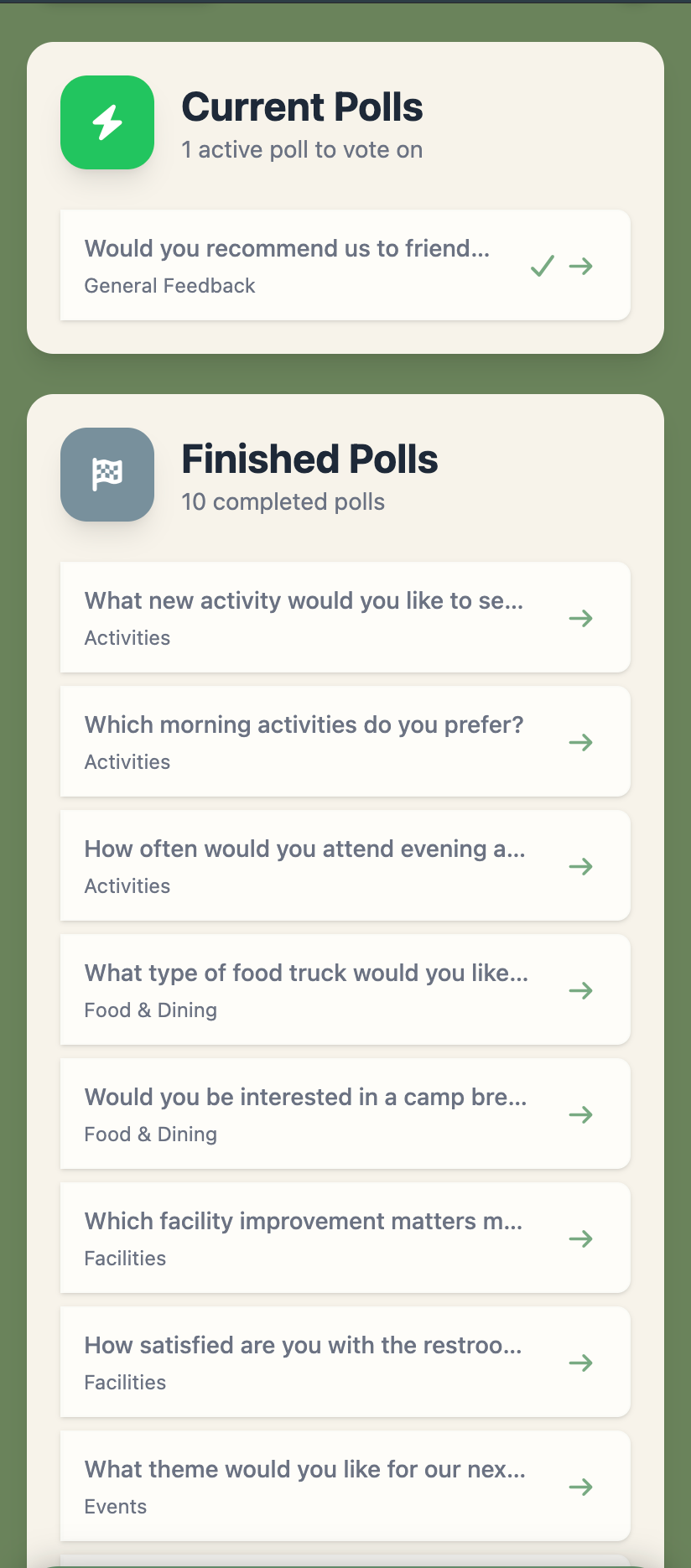
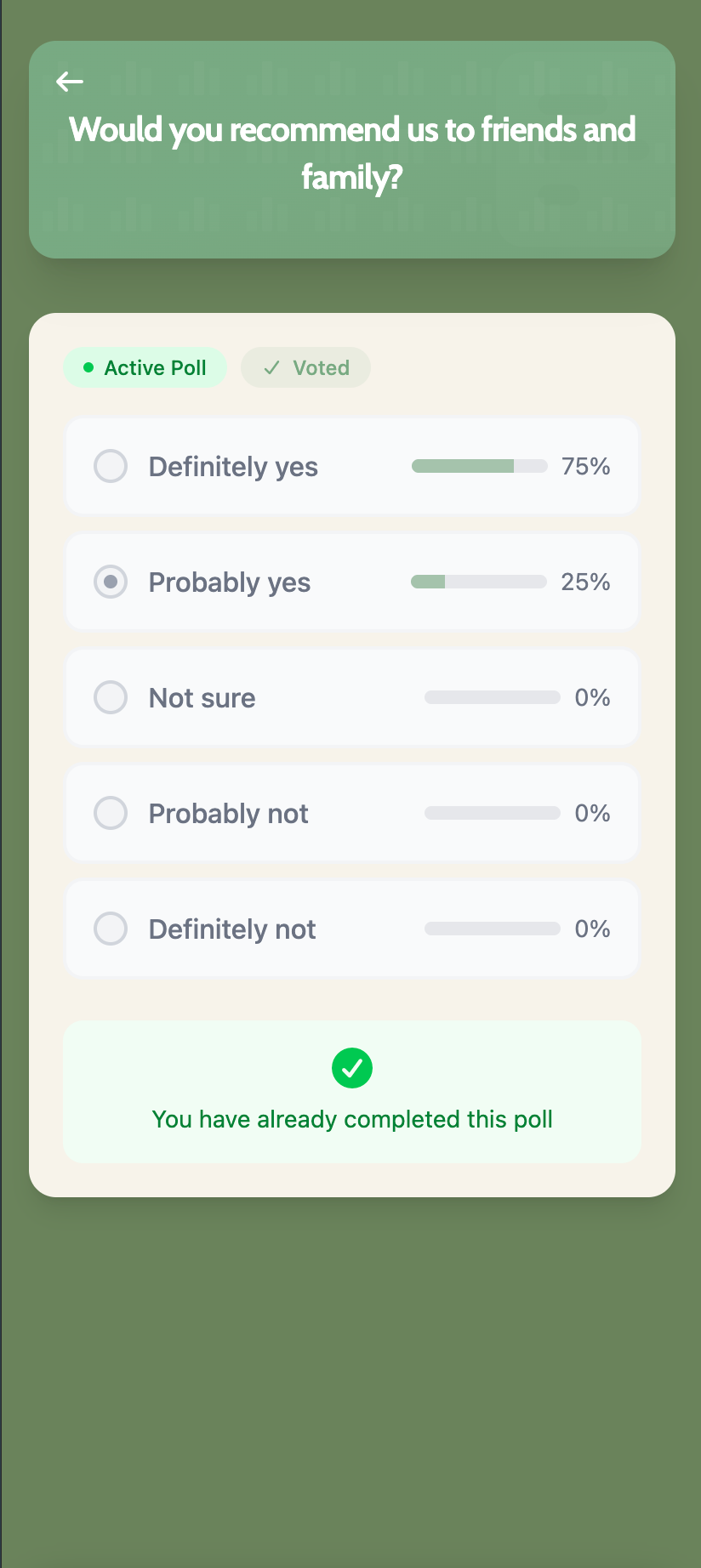
Staff post a quick poll, what activity to add, what time to run an event, and guest votes come back in real time. An actual read on what guests want, rather than a guess your team makes on their behalf.

Posted by staff in seconds
An actual read on what guests want

Poll question

1 of 2

Report a problem

1 of 3

Feedback & Support

Issue Reporting

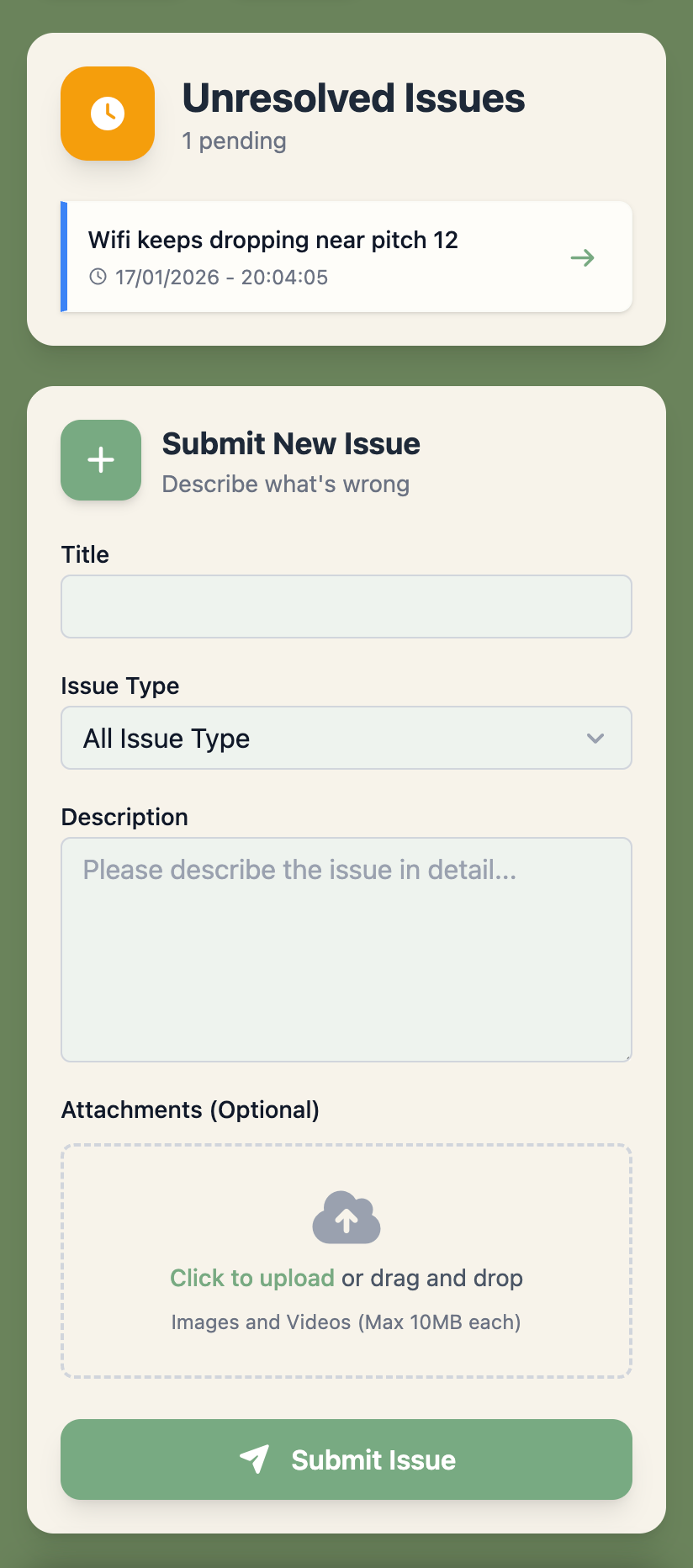
A guest photographs a broken shower or a blown bulb and submits it with a location tag. Your team gets notified immediately with the photo already attached, rather than hearing about it secondhand, days later, once it's already annoyed several guests.

A photo attached automatically
Location tagged with the report
Your team notified the moment it's sent

Feedback & Support

Lost & Found

Found items get logged with a photo and description as they come in. A guest missing something checks the list themselves, instead of your team fielding "has anyone handed in..." questions at the desk all week.

Found items logged with a photo
Guests check the list themselves

Found items list

1 of 2

Ready to get started?

Join sites across the UK getting early access to CampEngage.